
Account settings and profile
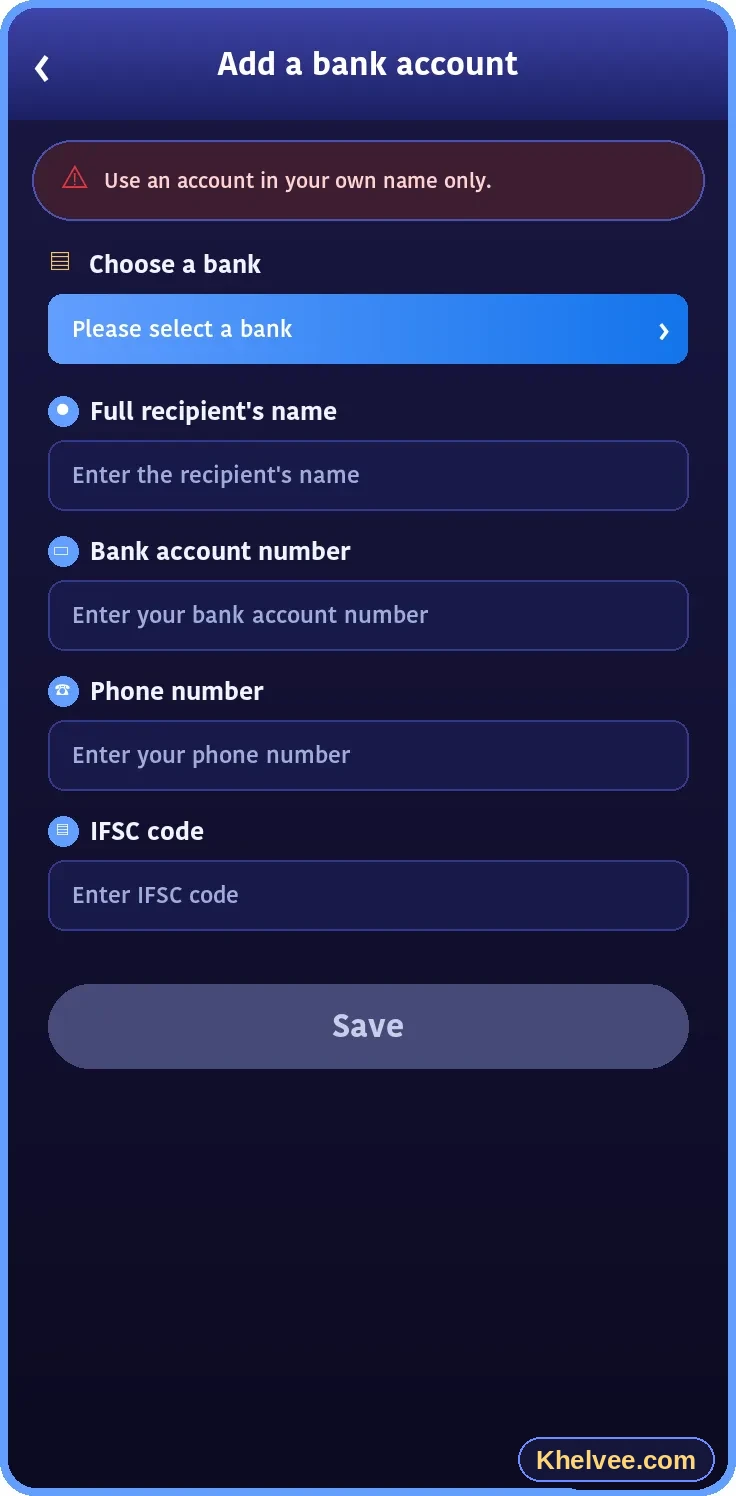
Typical account areas include profile information, linked bank details, security settings and transaction history. Keep your information accurate so that verification and support requests go smoothly.
Password safety
- Use at least 10 characters mixing letters, numbers and symbols
- Do not reuse passwords from email or social media
- Change your password if you suspect anyone else knows it
- Consider a reputable password manager
Verification
Verification confirms that the account belongs to you. Only submit documents inside the official platform – never via chat apps or to individuals.
Common account questions
Can I change my phone number? Can I have more than one account? How do I close my account? Answers depend on each platform's policy – check its help section or contact official support.