
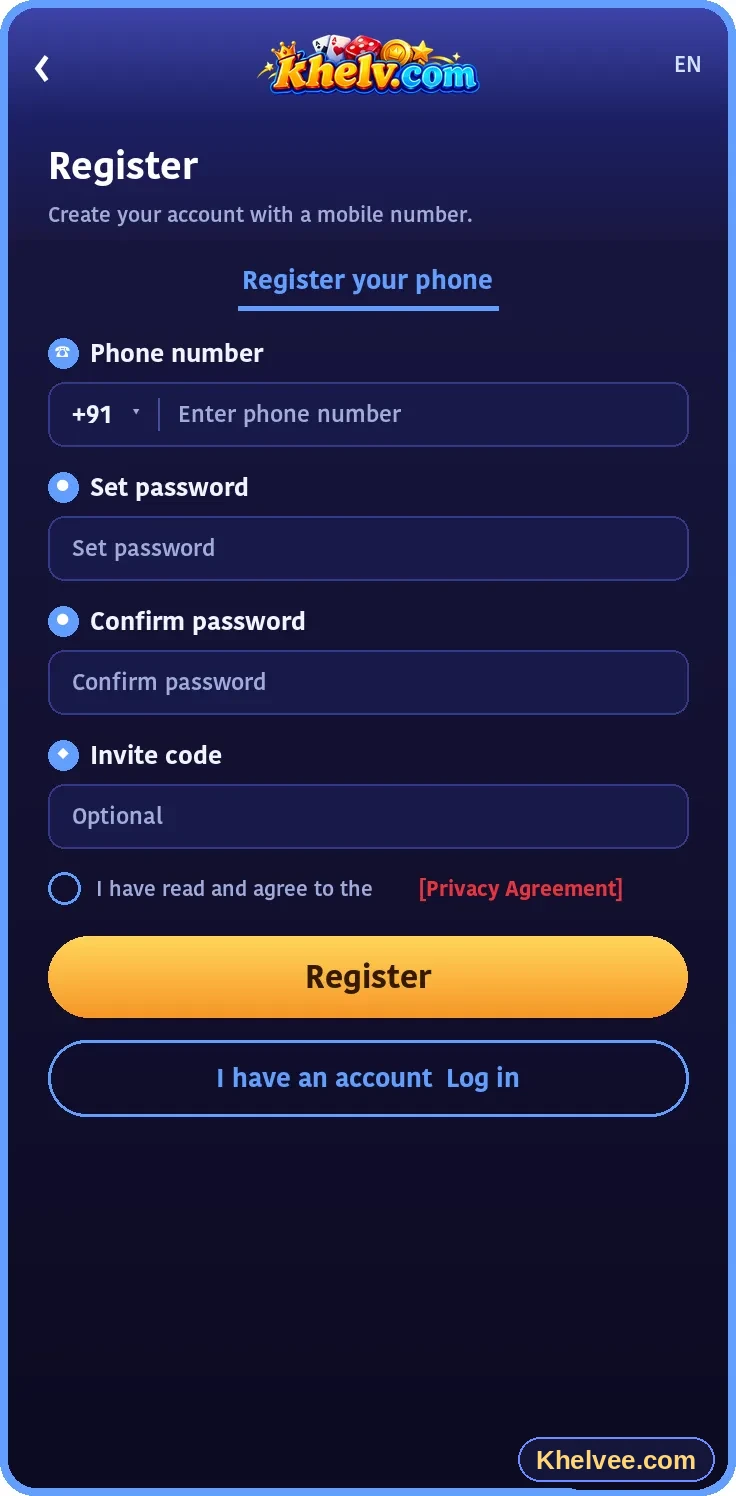
Registration requirements
Requirements vary, but platforms commonly ask for:
- A mobile number you control
- A strong, unique password
- Confirmation that you meet the legal age
- Agreement to the platform's terms
- Sometimes an invitation or referral code
Typical registration process
The exact screens may differ, but the general flow looks like this:
- 1Open the official platform website
- 2Choose the register or sign-up option
- 3Enter your mobile number and create a password
- 4Enter the verification code you receive (OTP)
- 5Review the terms, confirm and submit
- 6Log in and review your account settings
Common registration issues
- OTP not received – wait a minute, check signal, then request again
- Number already registered – try logging in or use password recovery
- Weak password rejected – combine letters, numbers and symbols
- Page not loading – refresh, clear browser cache or switch network
Account safety from day one
Never share your OTP with anyone – genuine support staff will never ask for it. Use a password you do not use elsewhere and keep your recovery details up to date.