
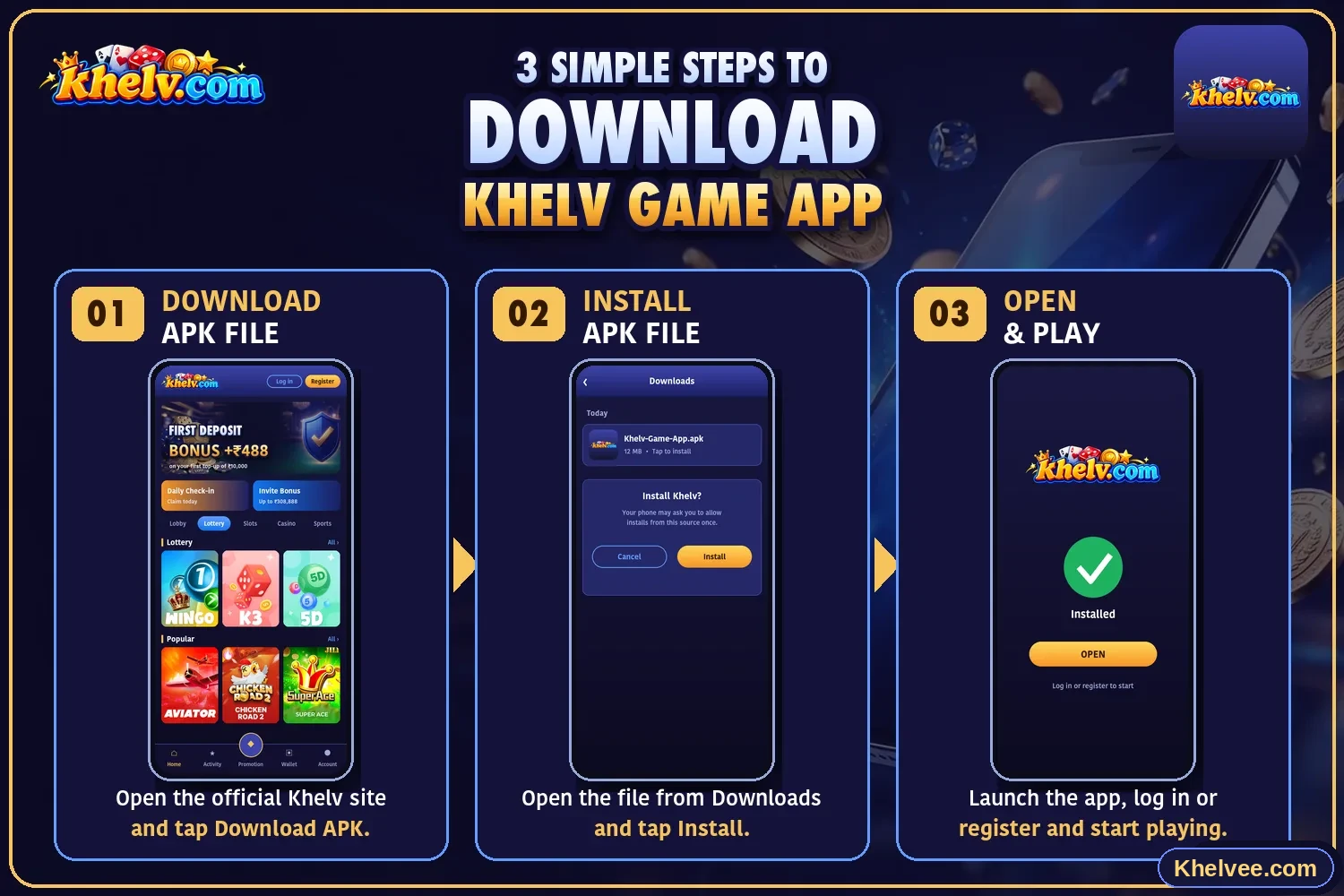
Mobile experience
Most modern gaming platforms are designed to work in a mobile browser as well as through an app. A browser keeps things simple – nothing to install and updates arrive automatically. An app can offer quicker access from your home screen.
Device compatibility
Compatibility depends on the platform's own requirements. Before installing anything, check:
- Your operating system is up to date
- You have enough free storage
- A stable Wi-Fi or mobile data connection
- Enough battery or a charger connected during installation
Safe installation practices
Only download apps from the platform's official website or an official app store listing. Files shared in chat groups, social media comments or unknown websites can contain malware.
- 1Open the platform's official site by typing the address yourself
- 2Find its official app section
- 3Review any permissions requested and refuse anything unnecessary
- 4After installing, re-enable any security setting you changed
App troubleshooting
If the app will not install or open, work through these steps in order.
- Restart your phone
- Free up storage and retry
- Clear the app cache from your phone settings
- Switch between Wi-Fi and mobile data
- Uninstall and reinstall from the official source
- Use the mobile browser version as an alternative